
Examples
What to ask for, and what comes back.
Four tasks in the Northwind sample office, from the words you type to the delivery report you accept or send back. The Mac app is coming soon.
These are examples in the Northwind sample office, not customer stories.
Engineering
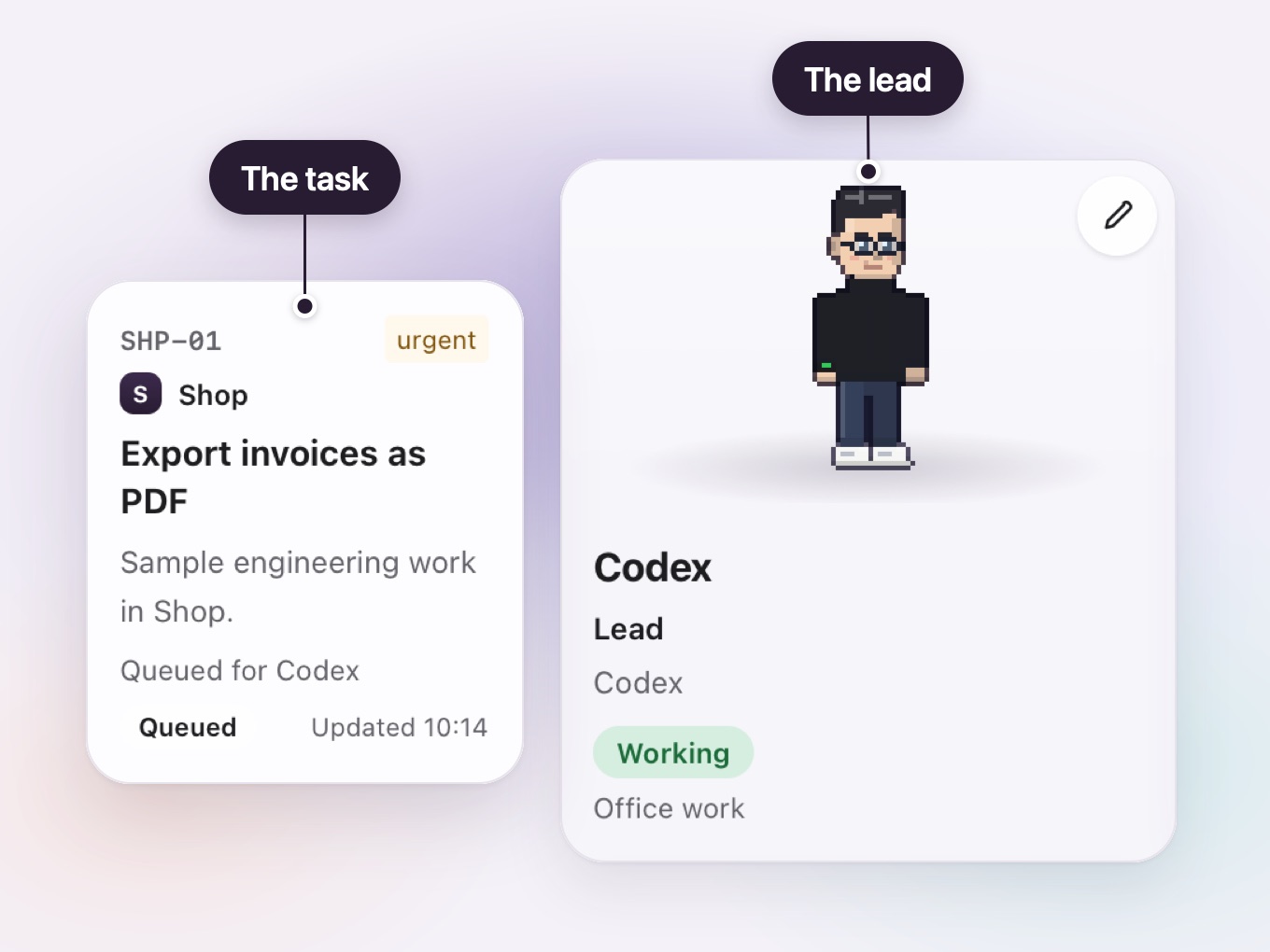
Export invoices as PDF
The task, as typed Let me export any invoice in the Shop project as a PDF. It should look like the invoice on screen.
Who the lead picked
- Engineering: it builds your software, and its work is done only when the checks pass, an independent reviewer approves, and you test the result.
-
The lead plans it
You leave "Who works on it?" to the lead. The lead turns the task into a plan before anyone builds.
-
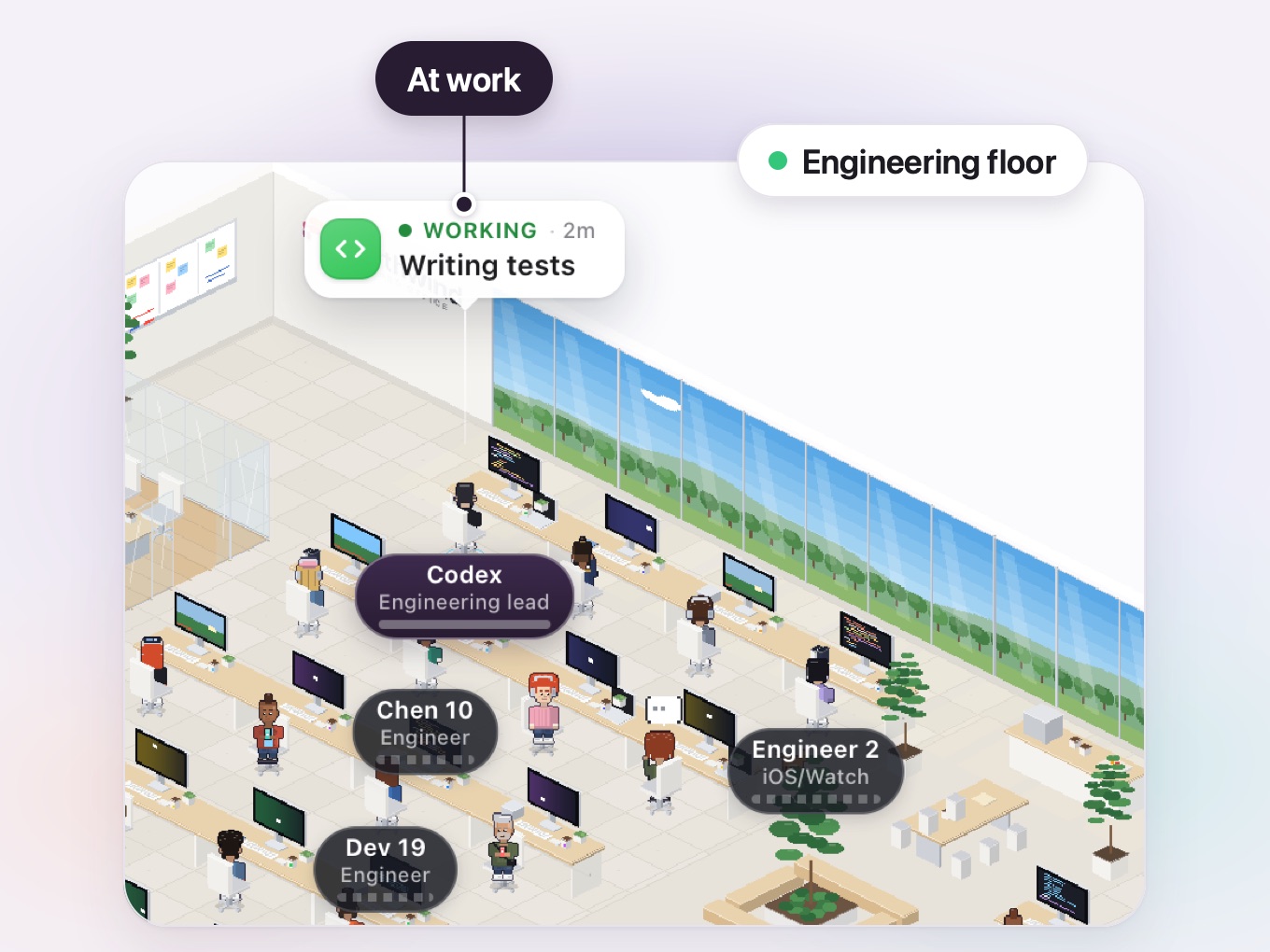
Engineers build it
Engineers do the work the plan sets out. You can watch them at their desks on the Engineering floor of the Live office.
-
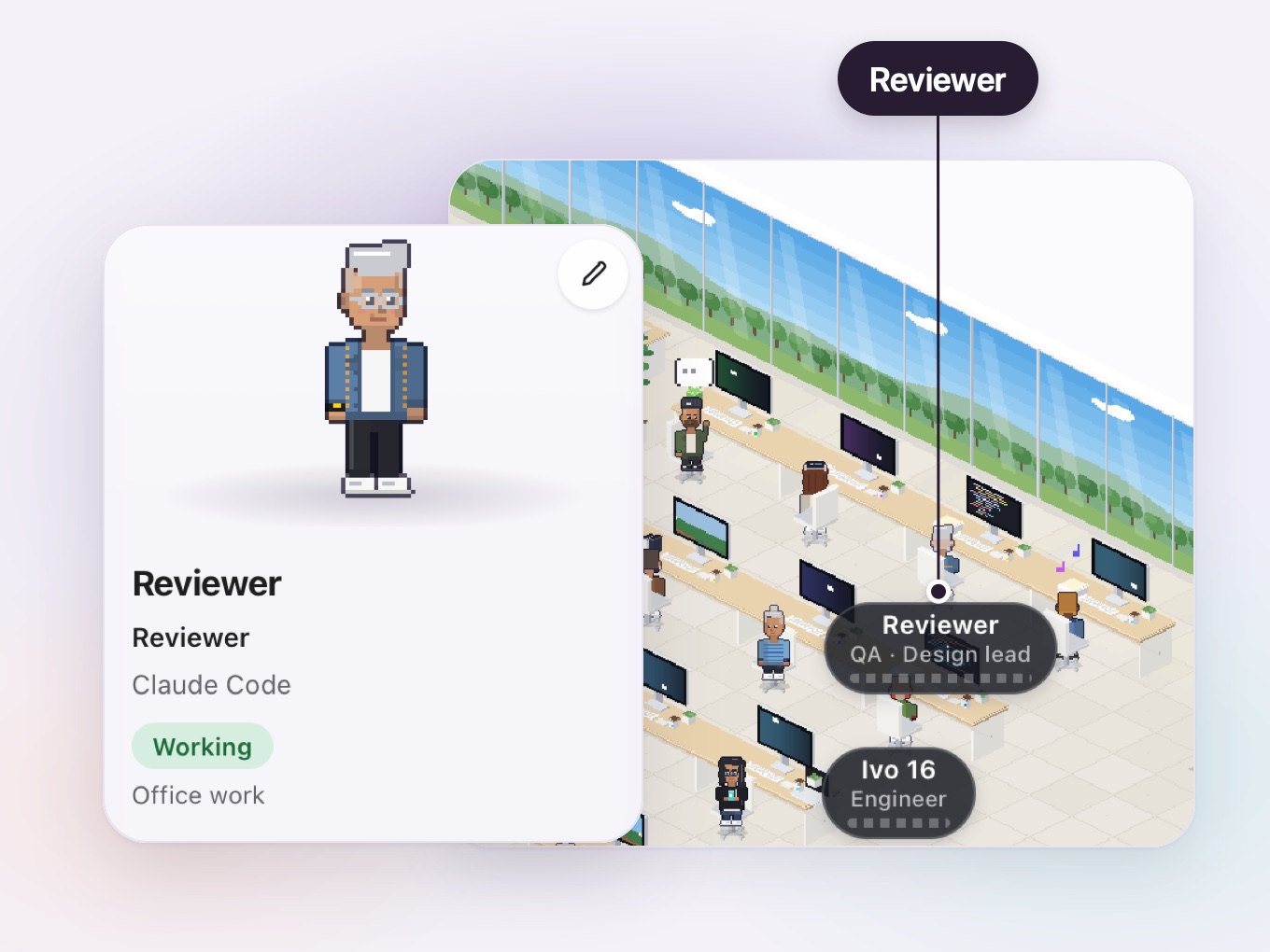
Checked and reviewed
The office runs the project's checks on the work. Then a Reviewer that did not do the work reviews it.


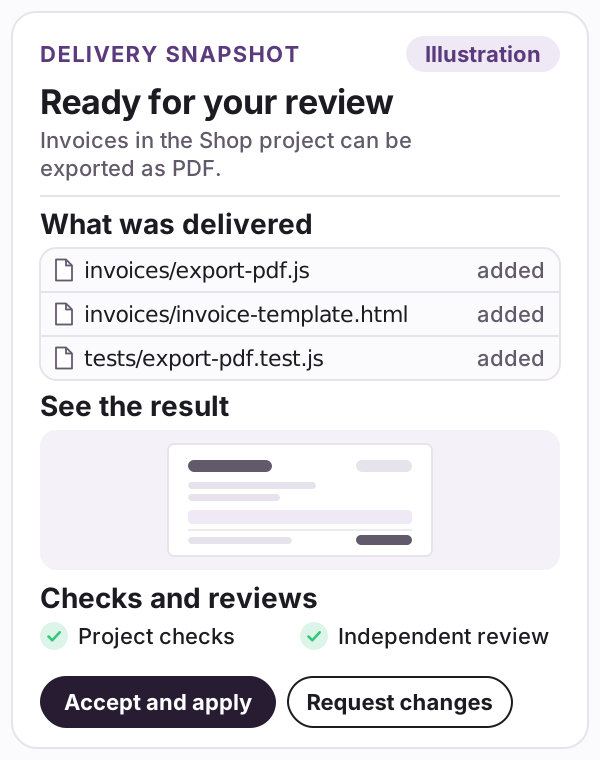
What the delivery report contained
- A summary: Invoices in the Shop project can be exported as PDF.
- What was delivered: invoices/export-pdf.js, invoices/invoice-template.html and tests/export-pdf.test.js.
- See the result: a picture of an exported invoice page.
- Checks and reviews: the project checks and an independent review, both passed.
Creative and Marketing
A product launch
The task, as typed Get our launch ready. I need visuals in our brand and the posts to go with them.
Who the lead picked
- Creative: it makes the visuals, and its work is done when you choose the result by picture; another agent checks it against the brief and your brand.
- Marketing: it writes the posts, checks the facts, keeps them on brand and publishes nothing without your approval.
-
The lead picks two departments
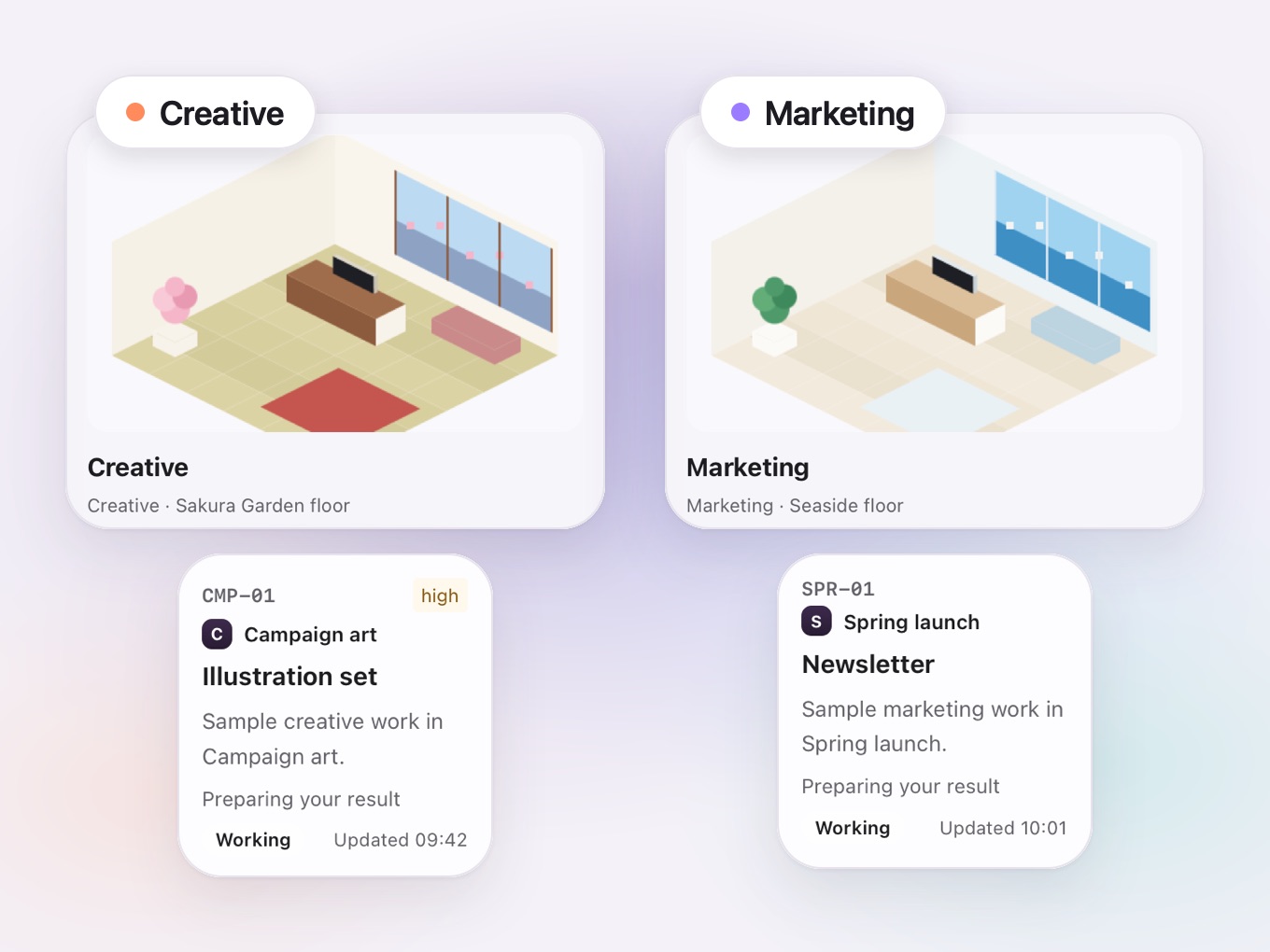
You put the Newsletter card in the Spring launch project and the Illustration set card in the Campaign art project, both in the Northwind sample office. You leave "Who works on it?" to the lead. The lead picks Creative and Marketing and plans the work for both departments.
-
Both floors get to work
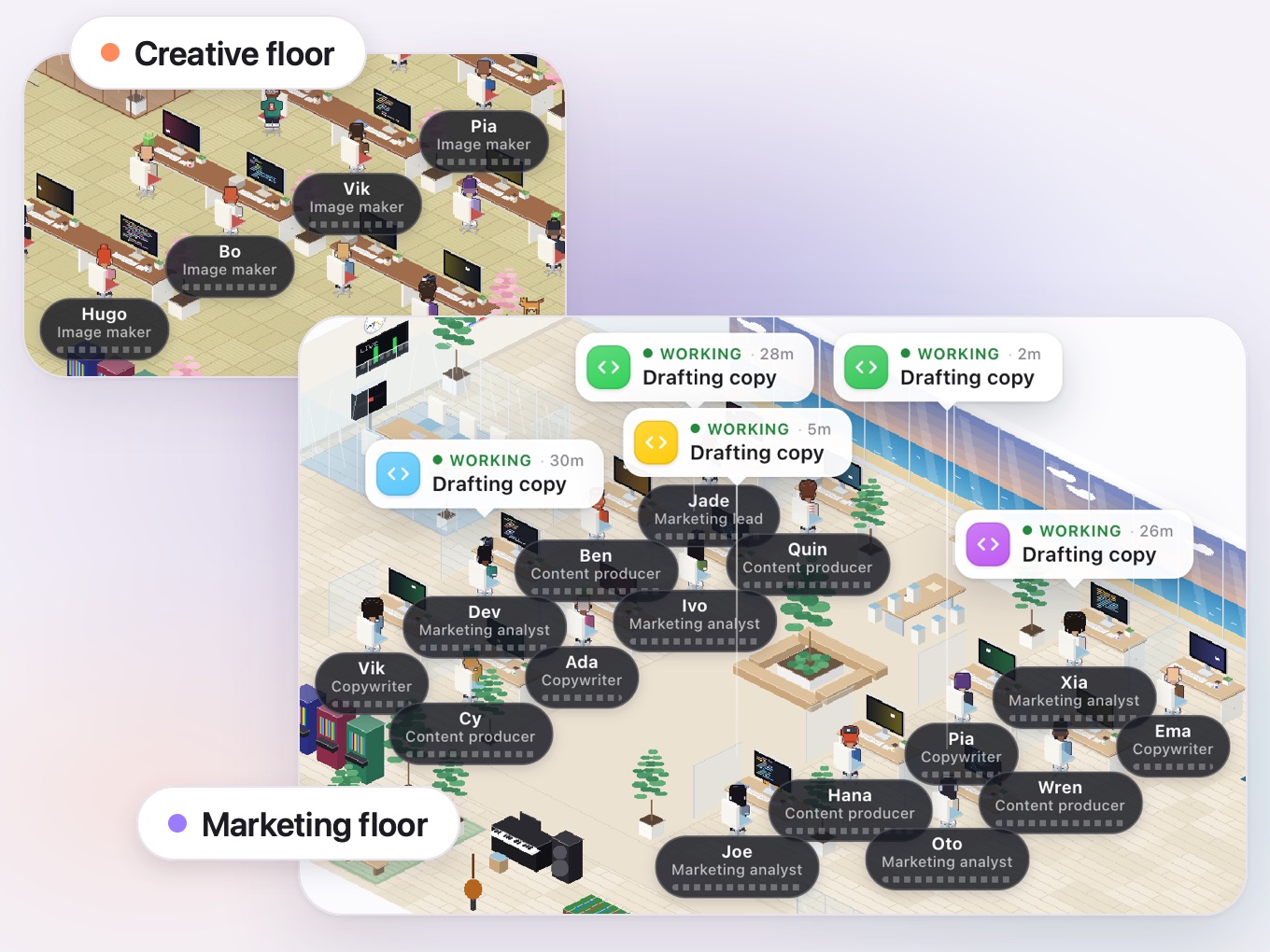
Creative makes the visuals and Marketing writes the posts, each on its own floor of the Live office. Their work comes back to you as one delivery.


What the delivery report contained
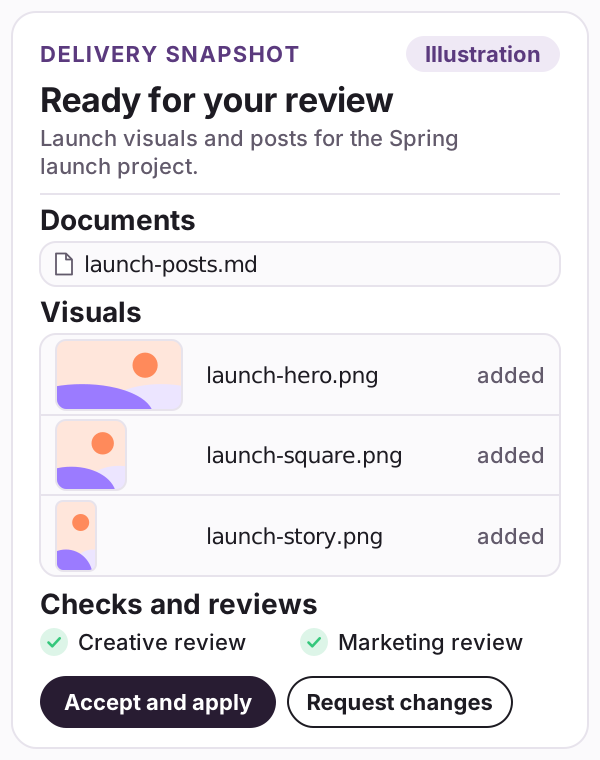
- A summary: Launch visuals and posts for the Spring launch project.
- Documents: launch-posts.md, with the posts.
- Visuals: launch-hero.png, launch-square.png and launch-story.png.
- Checks and reviews: a Creative review and a Marketing review.
Finance
Subscription audit
The task, as typed Audit the subscriptions in the Payroll project. Tell me what each one is for and flag any we may not need.
Who the lead picked
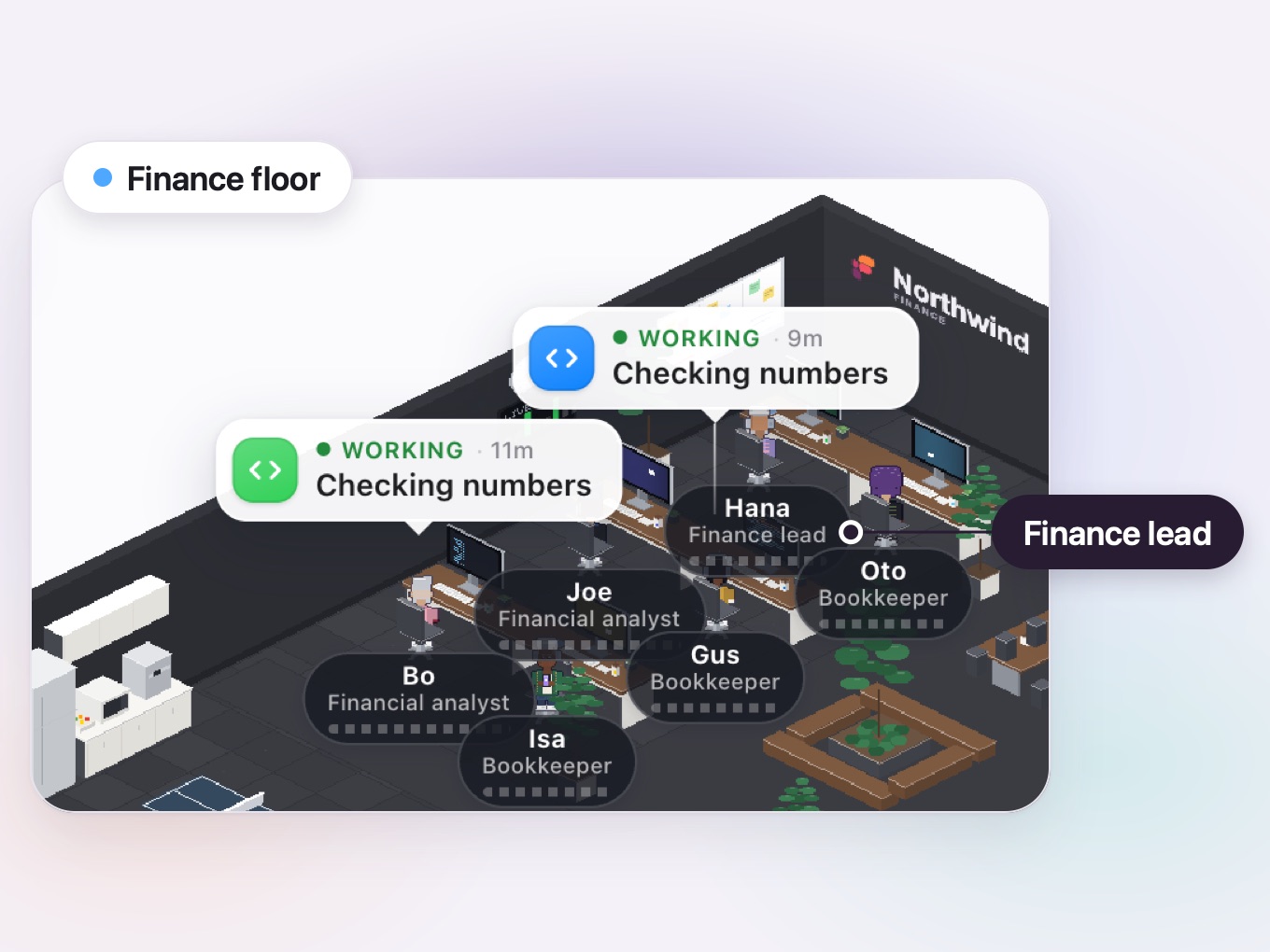
- Finance: it handles reports, budgets and reconciliations; every number traces to its source and reconciles, and agents never move money or send anything.
-
A task for Finance
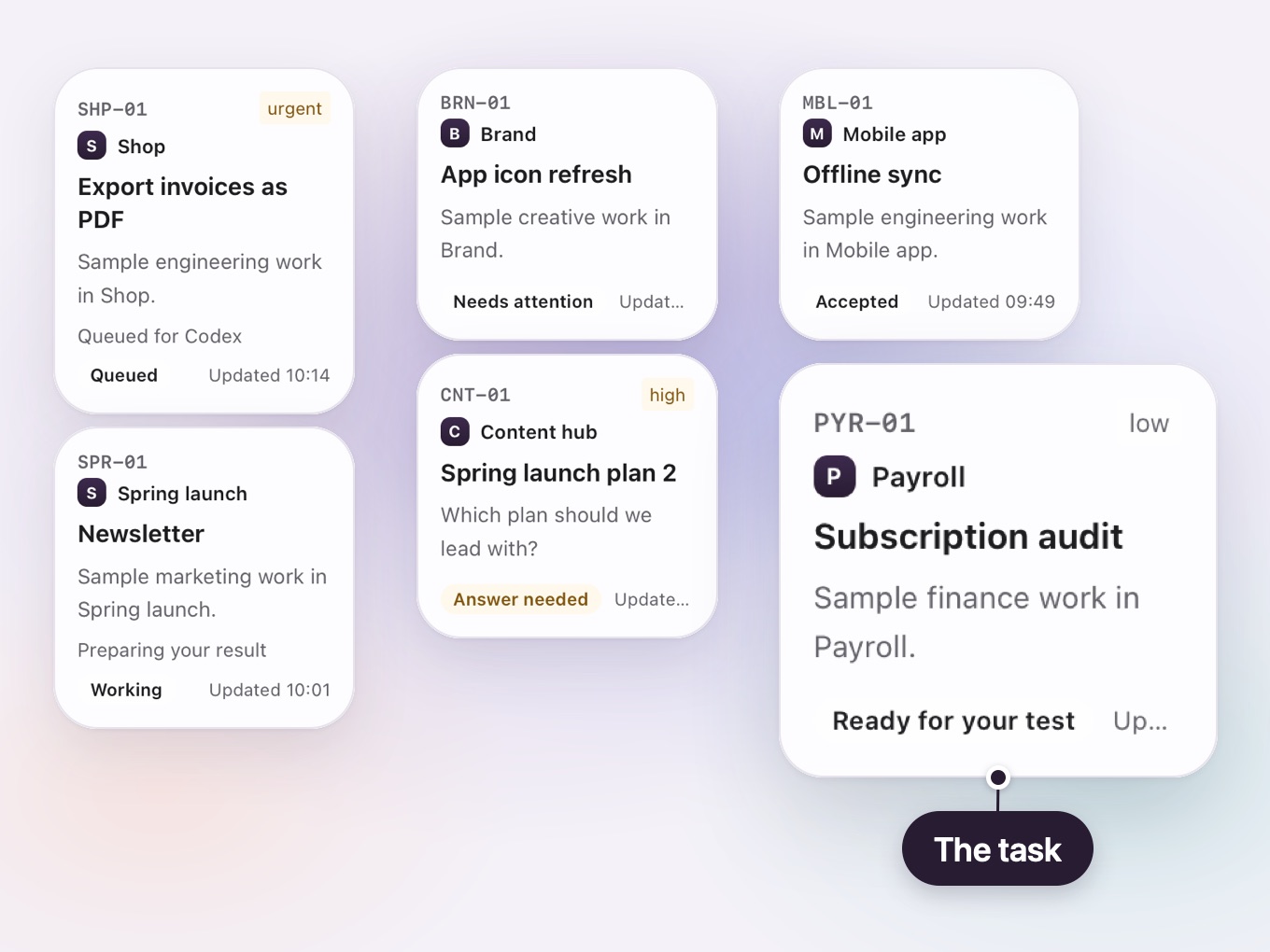
You add the task to the Payroll project. The lead gives it to Finance and plans the audit.
-
The analyst writes, the Finance lead reviews
A Financial analyst writes the findings, and the Finance lead reviews them. Agents never move money or send anything.


What the delivery report contained
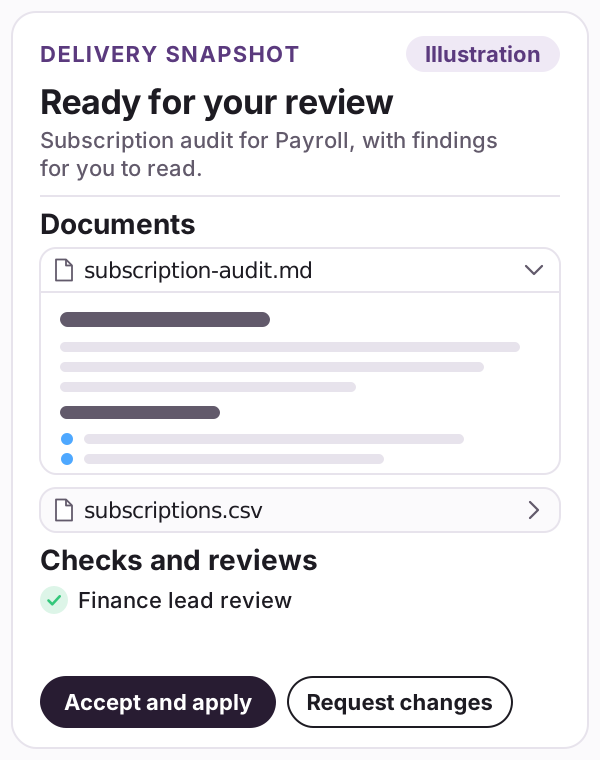
- A summary: Subscription audit for Payroll, with findings for you to read.
- Documents: subscription-audit.md with the findings, and subscriptions.csv.
- Checks and reviews: a Finance lead review.
A question from the lead
App icon refresh
The task, as typed Refresh our app icon so it feels current.
Who the lead picked
- Creative: it designs the icon, and its work is done when you choose the result by picture; another agent checks it against the brief and your brand.
-
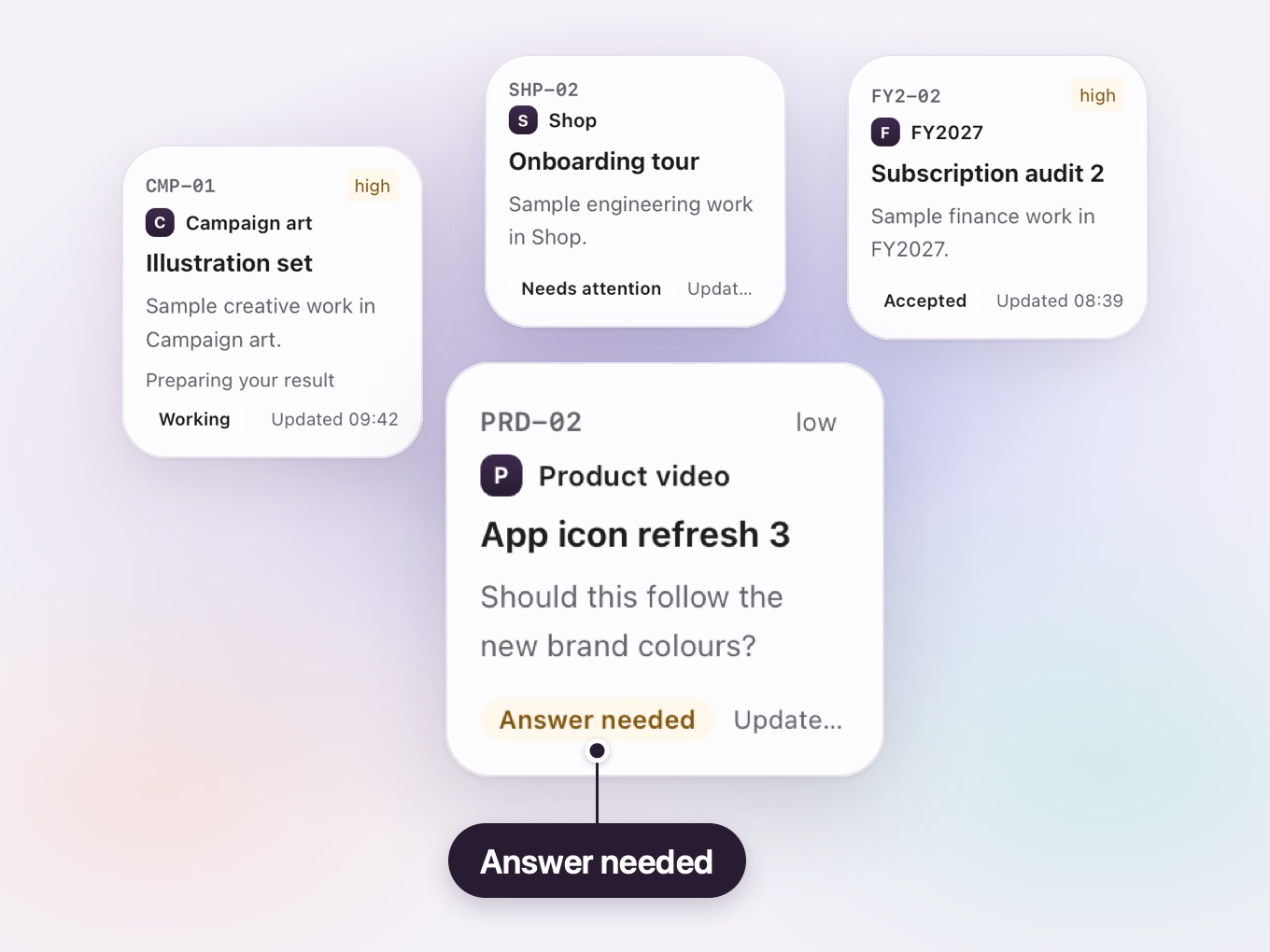
The task waits for you
Before work starts, the lead has a question. The task card waits for your answer.
-
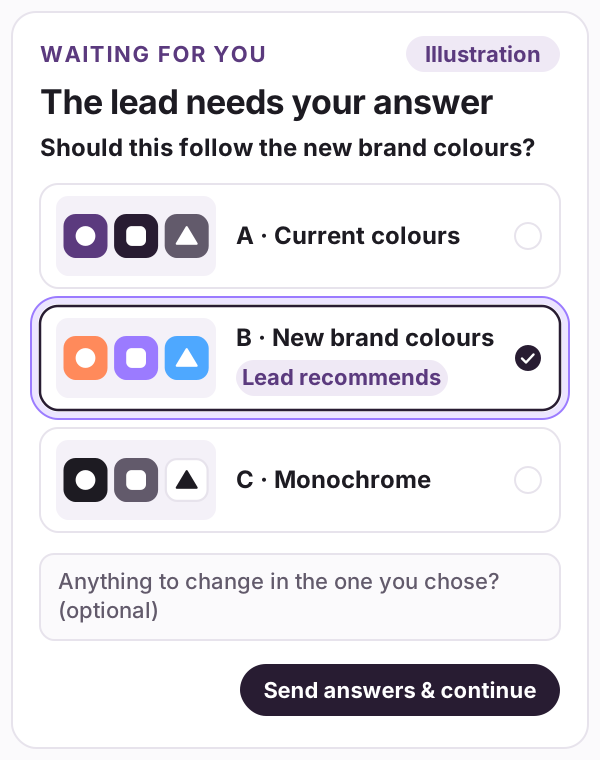
You choose by picture
The lead asks whether the icon should follow the new brand colours and shows each option as a picture, with the one it recommends marked. You choose one, add a note if you like, and work starts.

What the delivery report contained
- Visuals: the app icon set in the option you chose.
- Checks and reviews: a Creative review.
The Mac app is coming soon
Fasboard is in early development and is not available yet. See how the office works, or see which versions are on the way.