

Download
Fasboard for Mac: coming soon
Fasboard is in early development and cannot be downloaded yet. When the Mac app is ready, you will find the download on this page.
Availability
Which versions are on the way
-

Fasboard for Mac coming soon
-

Phone apps for iPhone and Android coming soon
-

Windows and Linux planned
Requirements
What you need
Fasboard is a Mac app that runs on the AI subscriptions you already have. The Mac details are still to be announced.
- macOS version
- to be announced
- Mac chip
- to be announced
- AI subscription
- One Claude subscription is enough to start. Fasboard also works with Codex and Antigravity.
First steps
Setting up your office
Once Fasboard is installed, the app takes you through four steps to set up your office.
-
Name your office
Give your office a name. Then choose where Fasboard keeps its work: on this Mac, or on another drive or folder, such as an external drive.

-
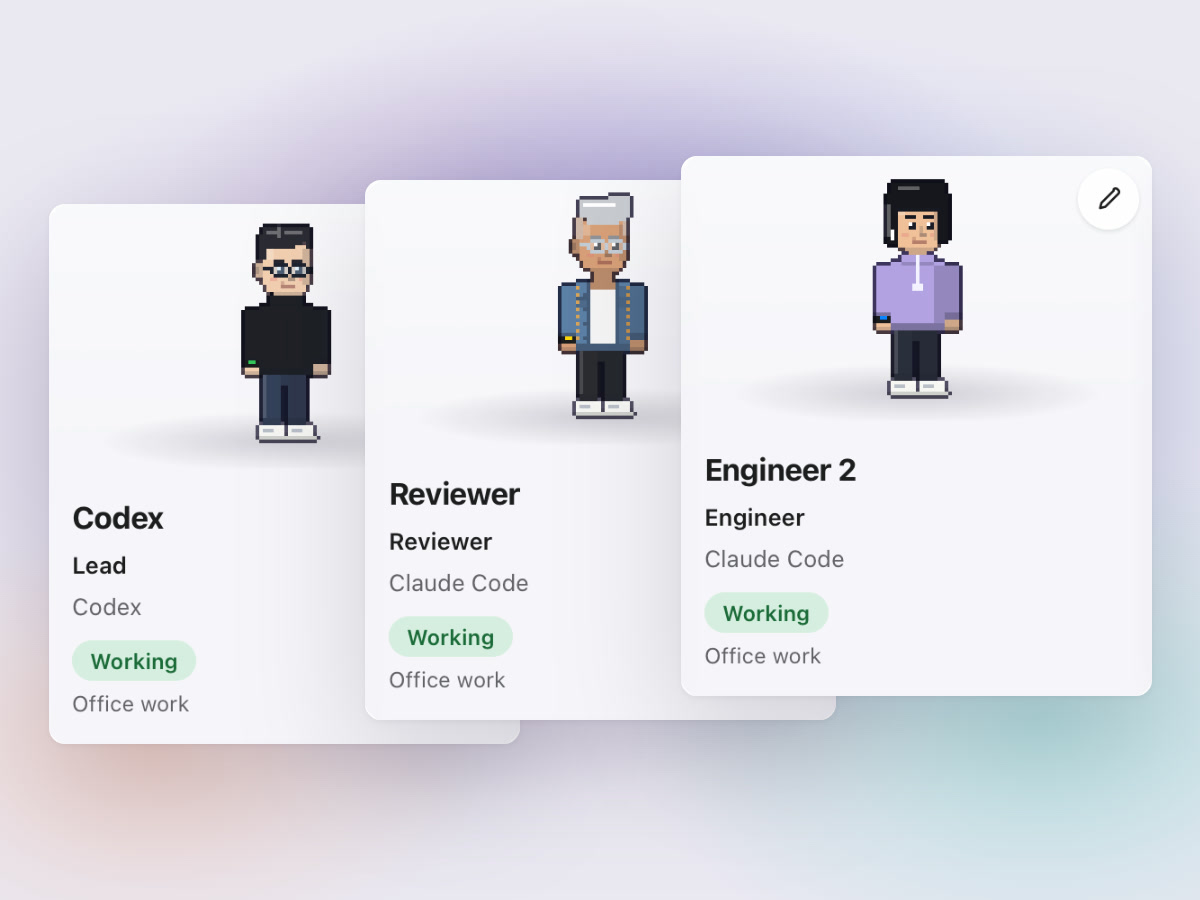
Build your AI team
Choose the agents for your team and sign each one in to its AI account: Claude, Codex or Antigravity. One Claude subscription is enough to start.
-
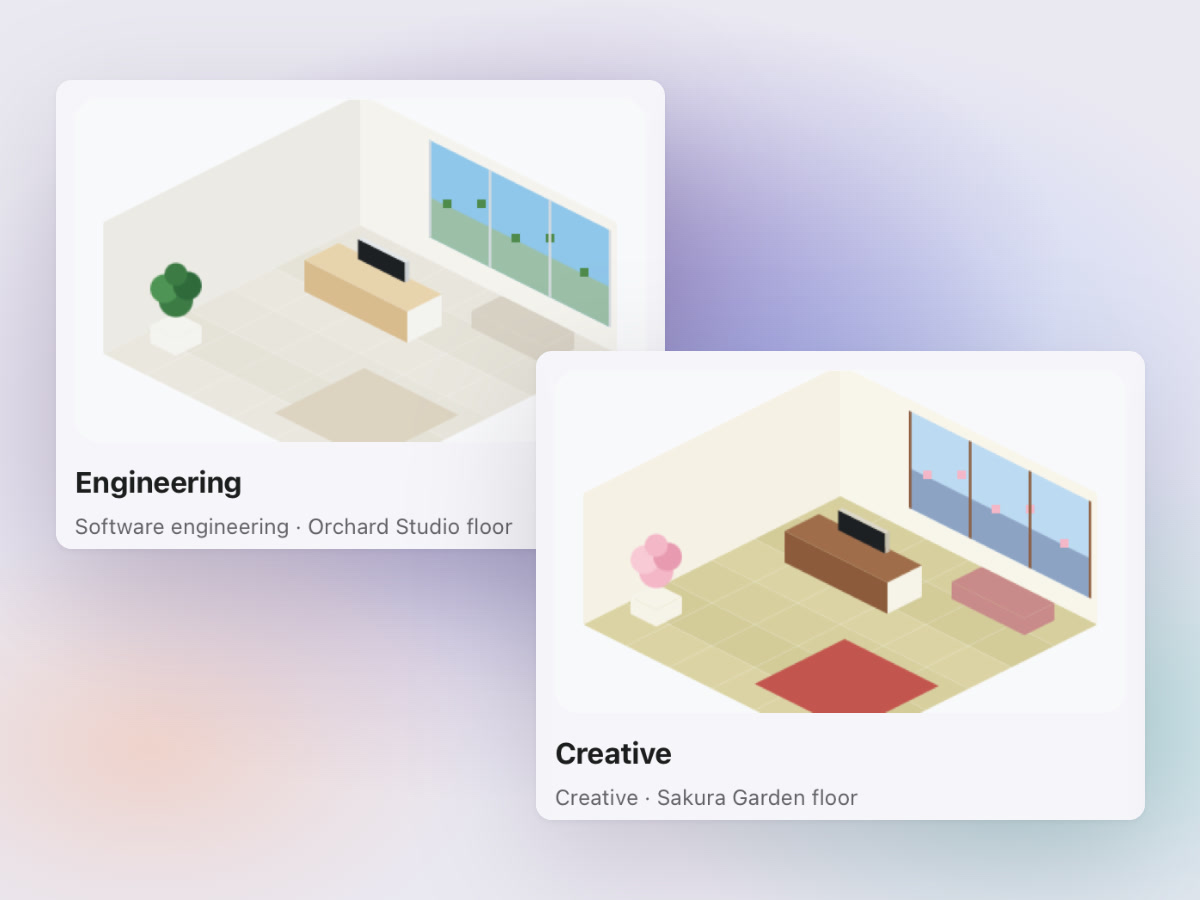
Pick your departments
Engineering is always there. Add Creative, Marketing and Finance when you want them.
-
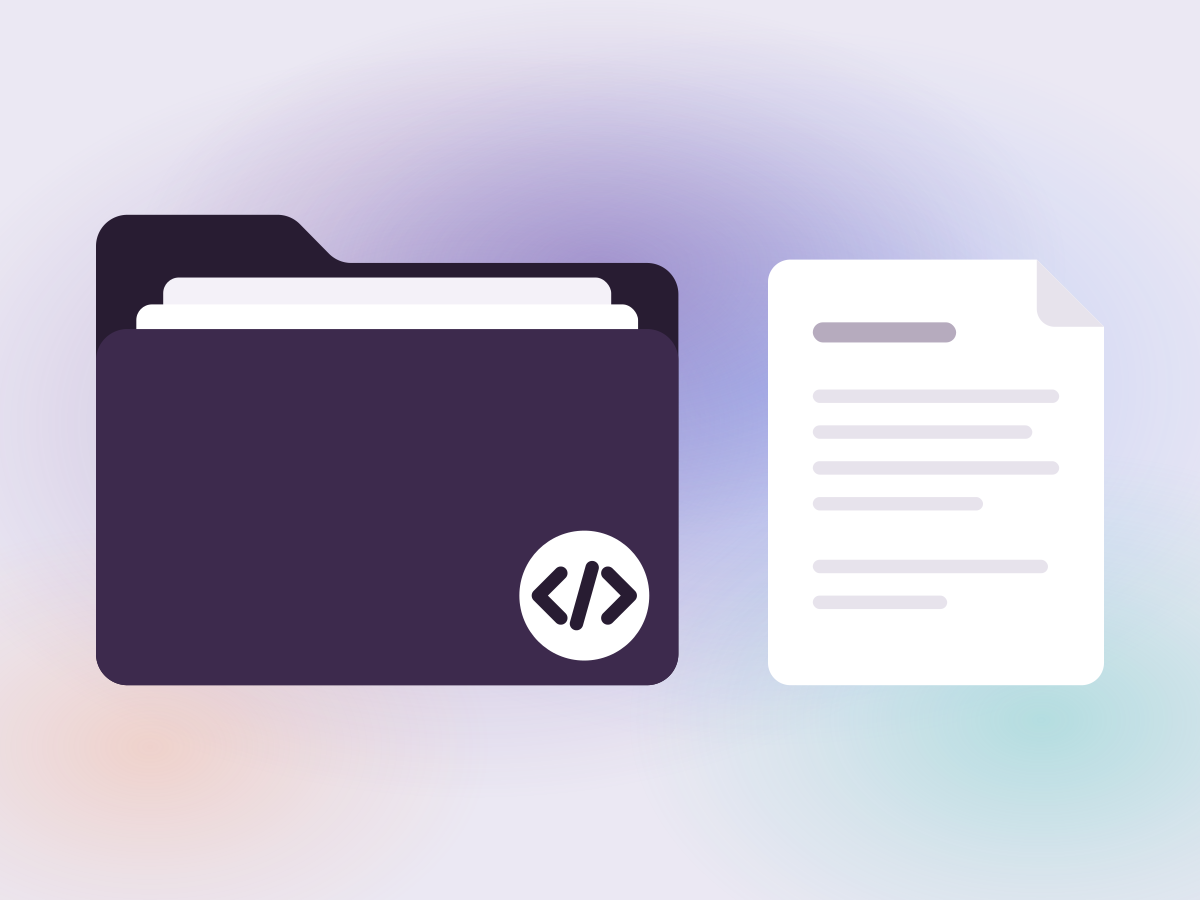
Add a project
Add a code project, which is a Git repository, or any plain folder of documents, images or other files. The office starts paused, and you resume it when you are ready.


Questions about Fasboard
Read short answers about what Fasboard is, which versions are coming, how the office works and what it runs on.
Read the questions and answers